
Which browsers does it work with?
Use a desktop Chromium browser such as Chrome, Edge, Brave, or Arc. Safari and Firefox use different extension systems.
CLIPPLAY / BROWSER EXTENSION
A download button, right where you watch. Save YouTube videos and Shorts without leaving the page.
Download extensionSee how to install v1.0.0 · ZIP package · Manual installation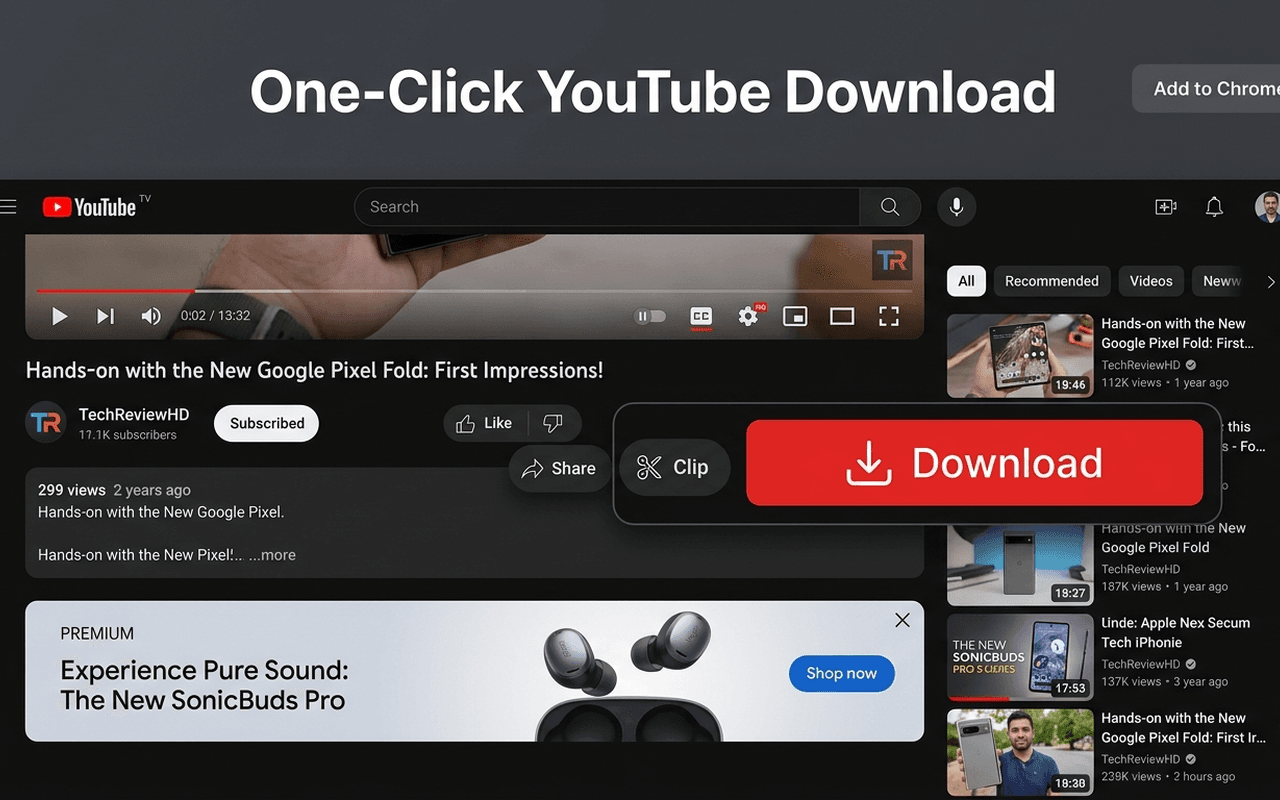
Your usual YouTube.
With one useful addition.
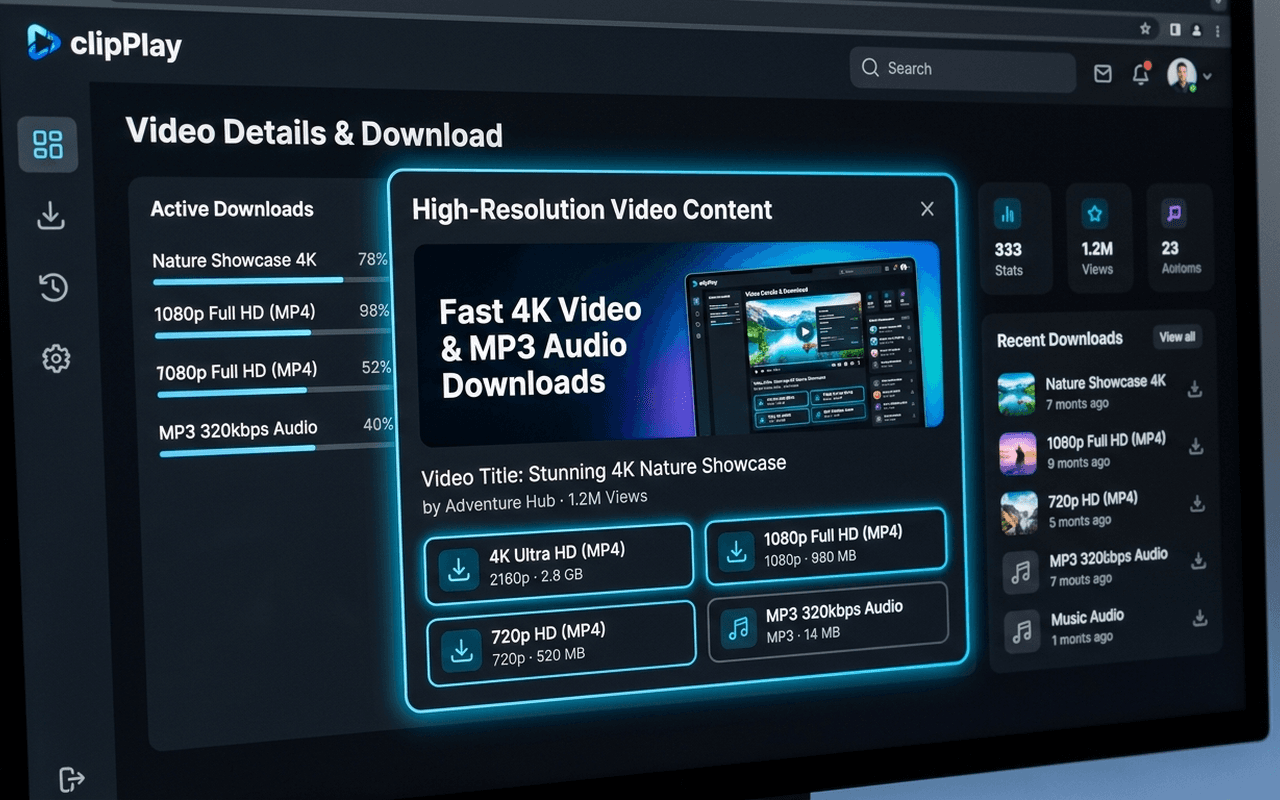
02 / YOUR FORMAT. YOUR CHOICE.
Choose from the resolutions available for the video, or extract an MP3 for listening later.
03 / A ONE-TIME SETUP
The extension installs manually from a ZIP file. Follow these steps in Chrome or your Chromium browser.
Download the clipPlay extension ZIP package below and extract the folder to your computer.
In your browser address bar, navigate to chrome://extensions and switch on 'Developer mode' in the top-right corner.
chrome://extensionsClick the 'Load unpacked' button and select the unzipped clipPlay extension folder. That's it!
BEFORE YOU ADD IT
Use a desktop Chromium browser such as Chrome, Edge, Brave, or Arc. Safari and Firefox use different extension systems.
No. The browser extension is a separate way to use clipPlay. The desktop app is there if you want a dedicated library and local processing.
Open a YouTube video after installing the extension. Look for clipPlay’s Download button beside the video controls.
Refresh the video page and check that clipPlay is enabled in your browser’s extensions settings.
LESS SCROLLING. MORE SAVING.