
YOUR LINKS. YOUR LIBRARY.
Worth watching.Worth keeping.
Save video or audio from YouTube, Instagram, TikTok and hundreds of other sites straight to your device.
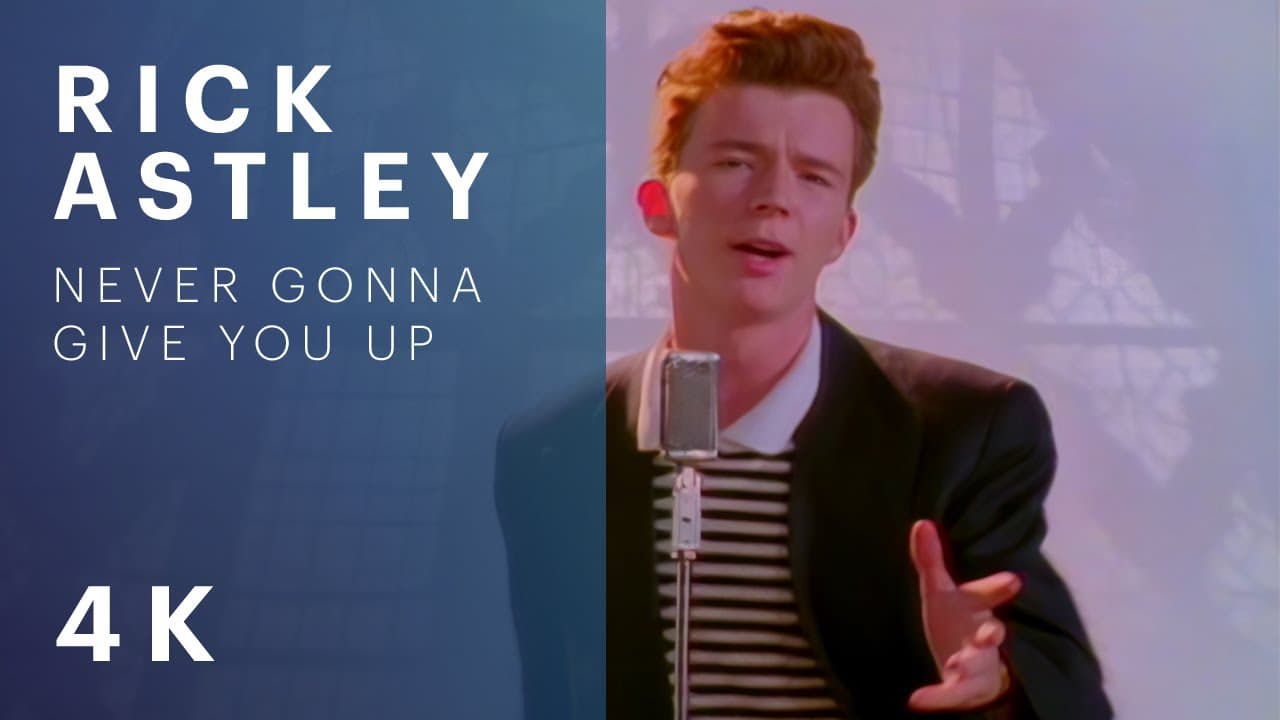
Rick Astley — Never Gonna Give You Up
Rick Astley • Official Music Video • 3:33
FROM YOUR CORNER OF THE INTERNET
Your favorites, all welcome.
- YouTube
- TikTok
- X
- Vimeo
- Twitch
- SoundCloud
YouTube, Instagram, TikTok, and hundreds more. Paste a link to see what’s available.
01 / MAKE IT YOURS
One link.
Four possibilities.
A video worth saving isn’t always a video you need in full. Take what you came for, straight to device or cloud.
The whole video
From a quick share to the best quality available. Pick the resolution that fits, and keep a file you can play anywhere.
Save a videoAvailable quality depends on the source.
A whole playlist? Bring it.
Choose the videos you want, with a format, resolution, and cloud destination for each.
02 / NOTHING TO FIGURE OUT
From found to saved.
01 / PASTE THE LINK
Find something good.
Copy a video or playlist link from a supported site. Paste it into the field above.
02 / CHOOSE YOUR FORMAT
Make it yours.
Choose video or MP3, pick the quality, and trim or split if you need a smaller piece.
03 / SAVE & AUTO-SYNC
Device or Cloud.
Save the file straight to your local device or auto-sync directly to your Google Drive cloud storage.
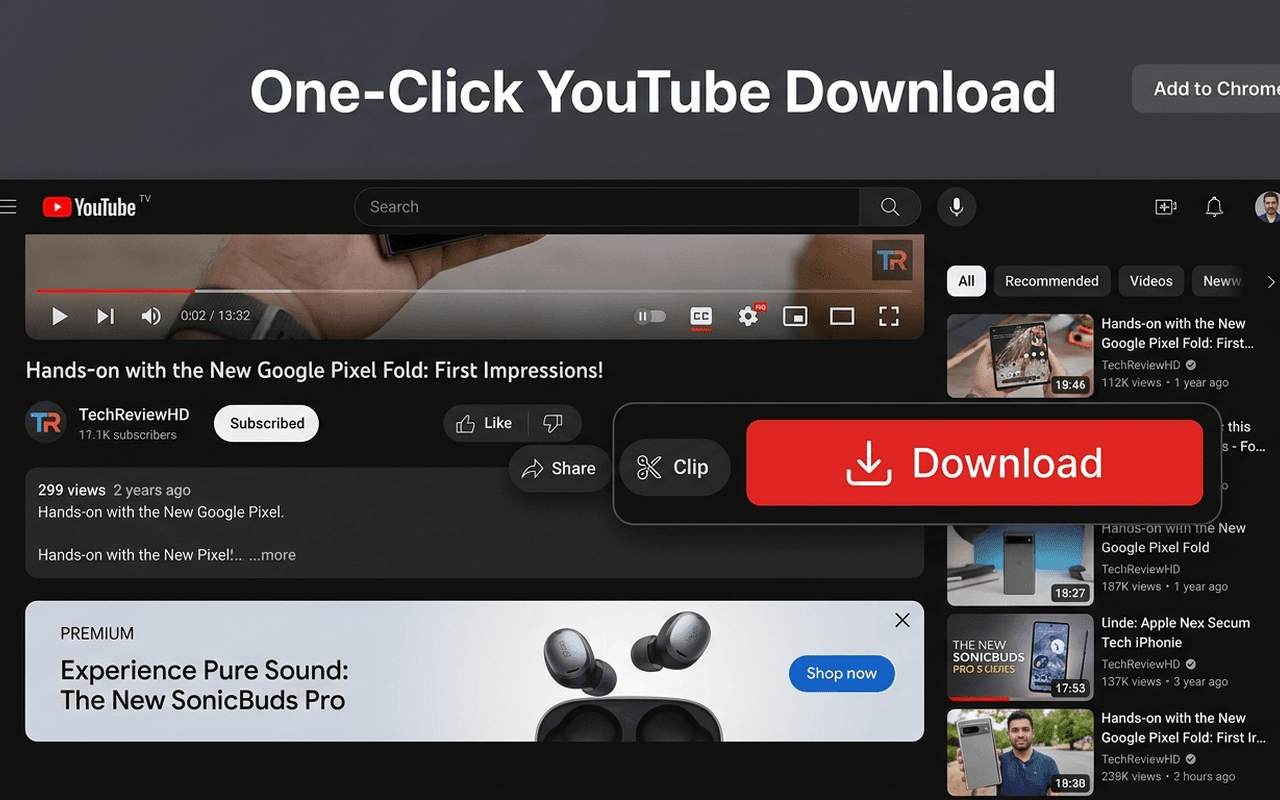
04 / ALWAYS WITH YOU
Your little
offline world.
Your saved videos, favorite audio, and the things you’ll come back to. All in your pocket.
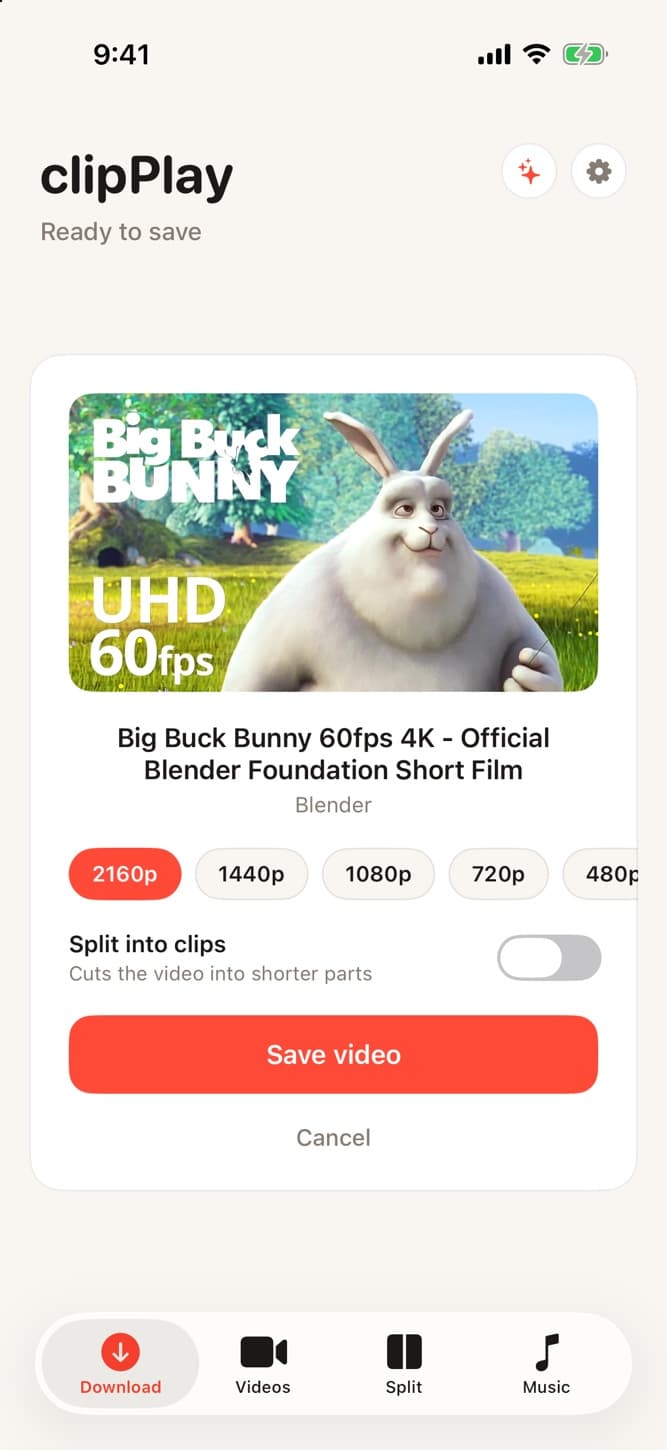
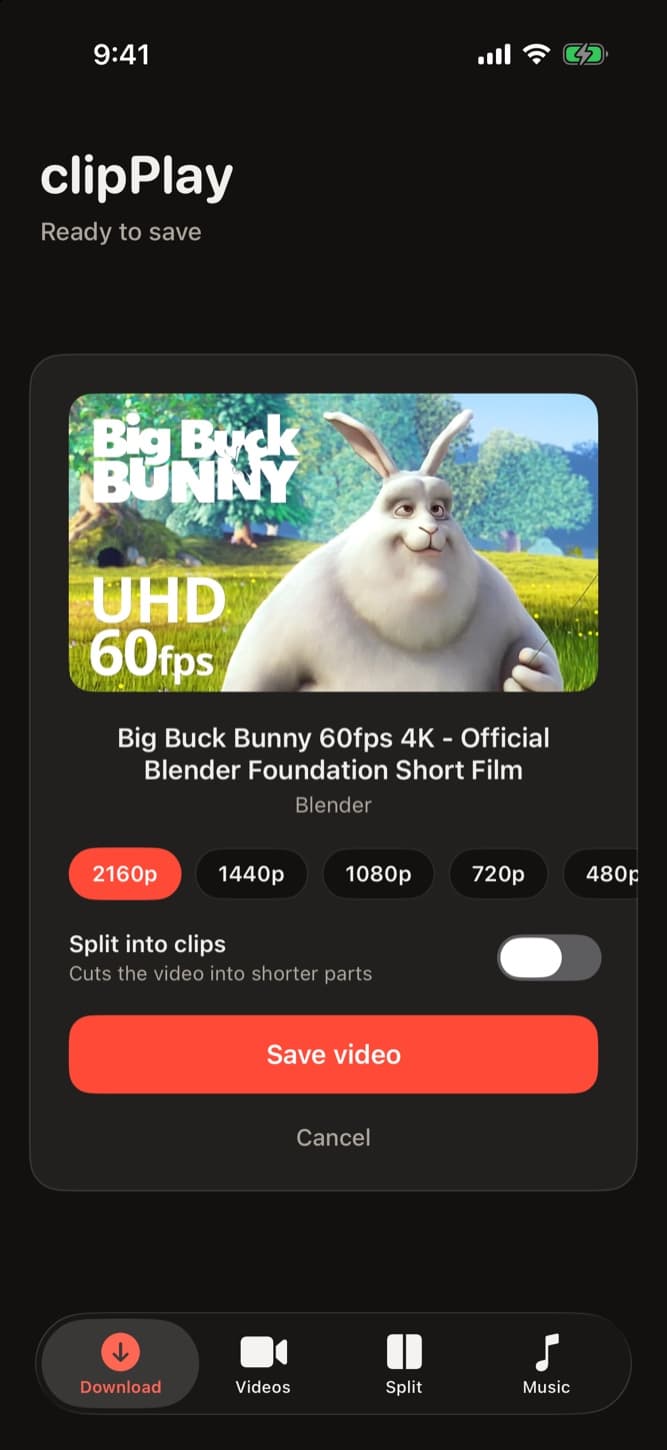
Share it. Save it.
Send a link straight from your favorite app.
Room for everything.
Connect Google Drive to auto-save.
Keep listening.
Offline audio with lock screen controls.
05 / GOOD TO KNOW
A few things
you might ask.
From your first link to your Downloads folder.
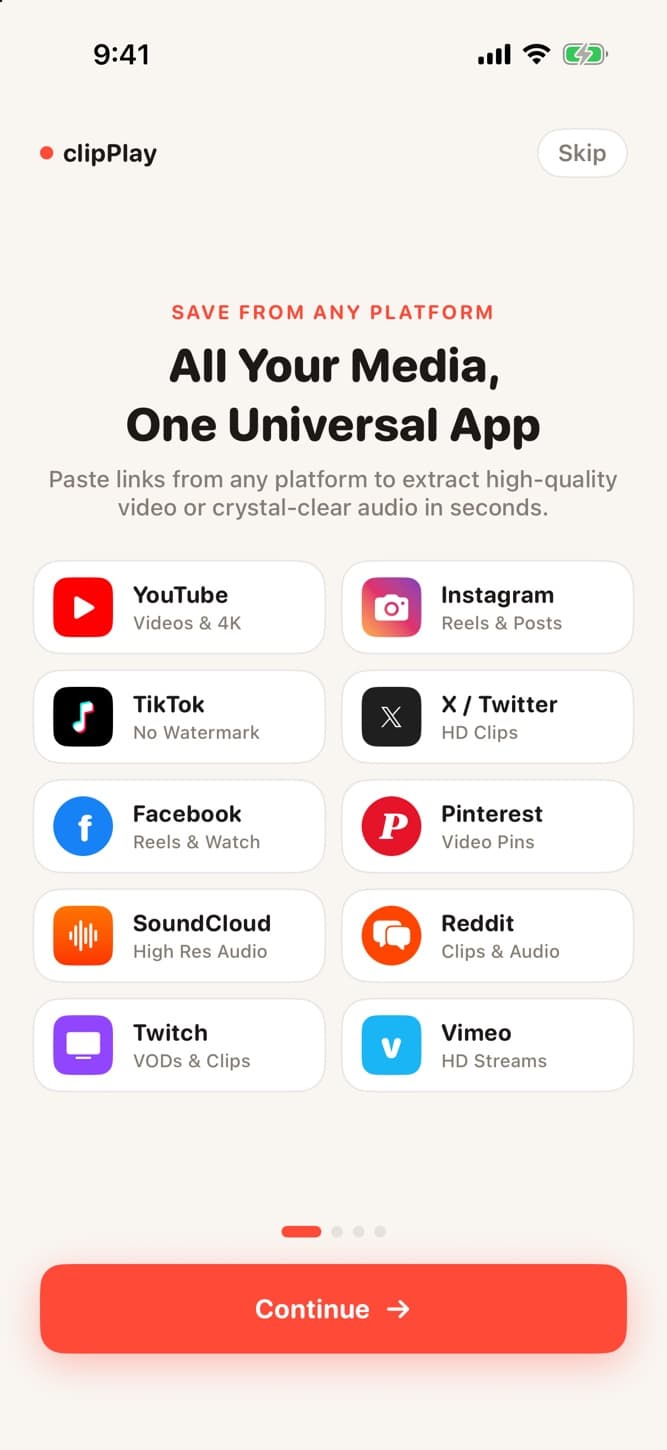
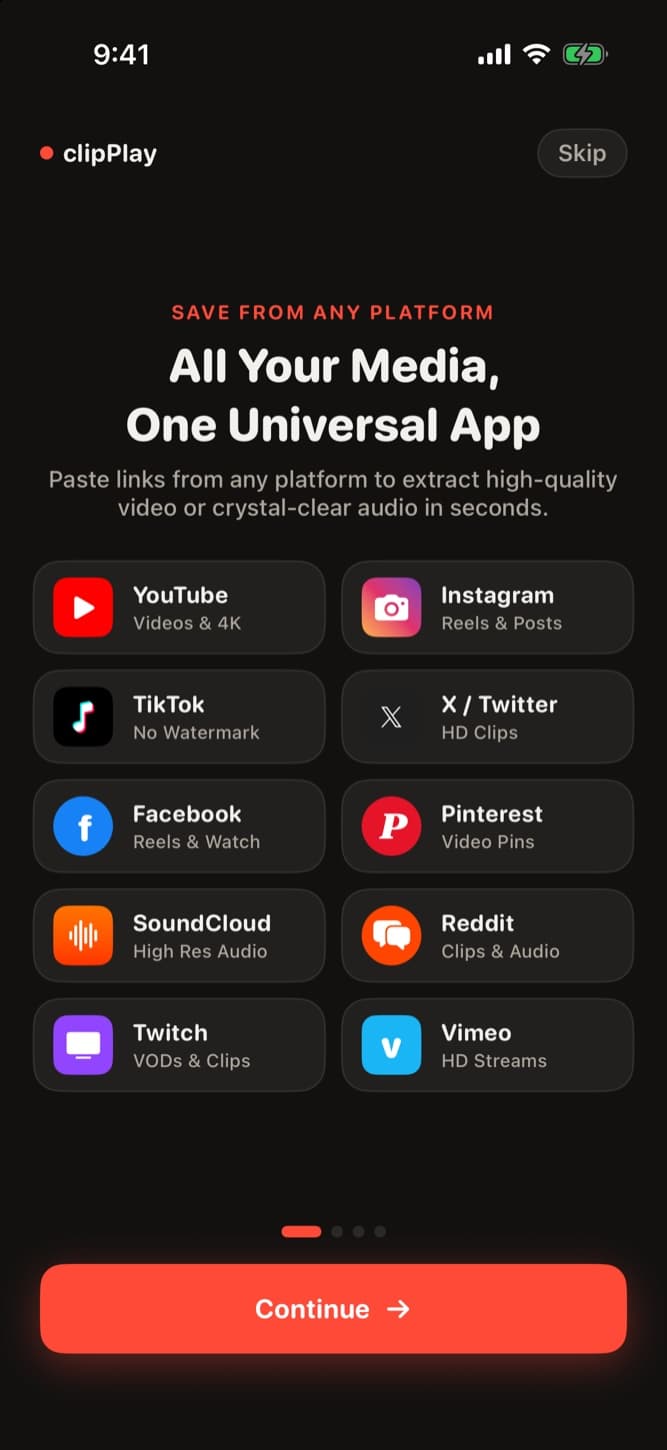
Ask something elseclipPlay supports 1,700+ video and audio platforms, including YouTube, Instagram (Reels & Videos), TikTok without watermark, Threads, Facebook, X (Twitter), Dailymotion, Reddit, and Vimeo.
LESS SCROLLING. MORE SAVING.